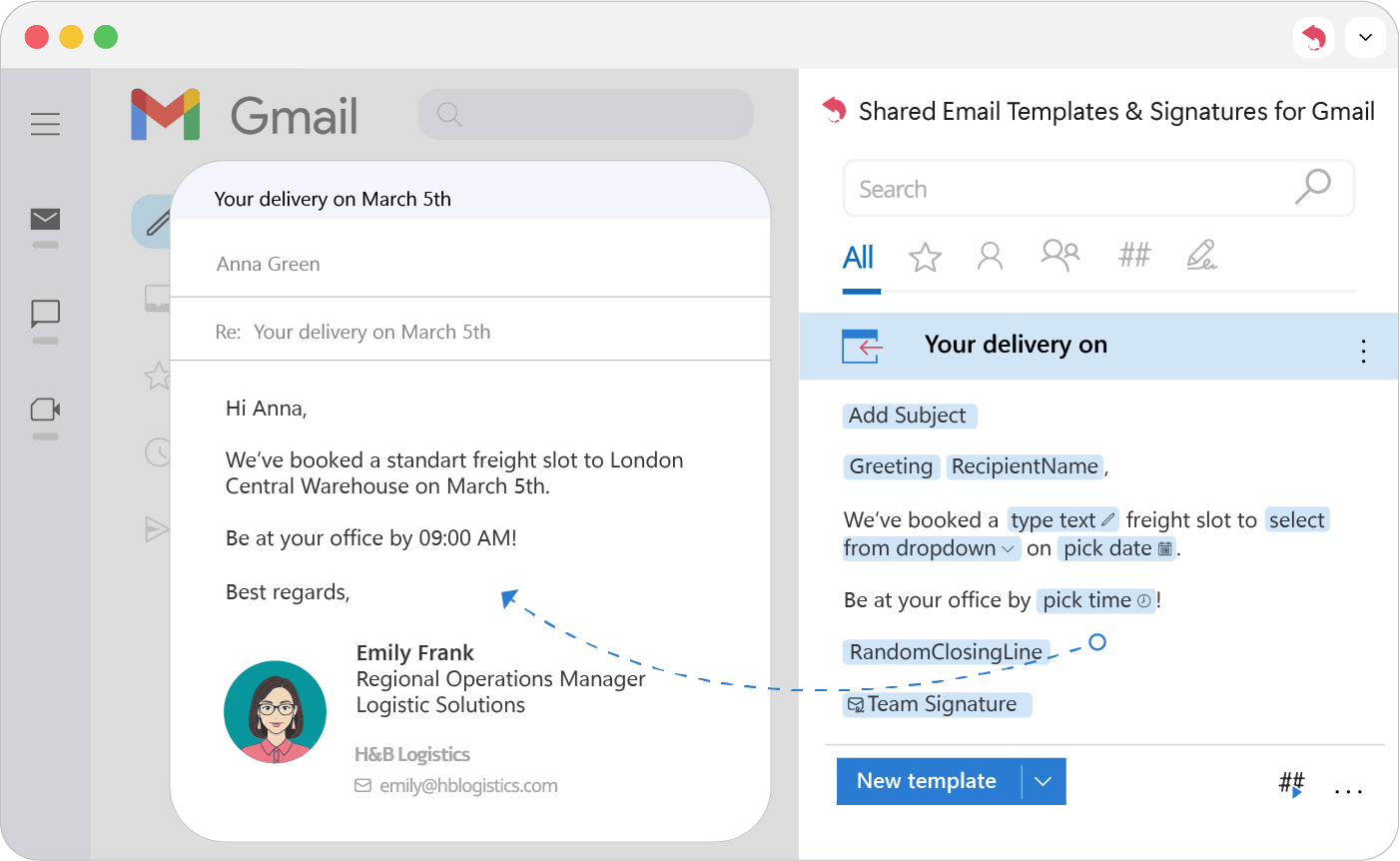
Welcome to Shared Email Templates & Signatures
An extension that adds a shared template library to the Gmail sidebar.
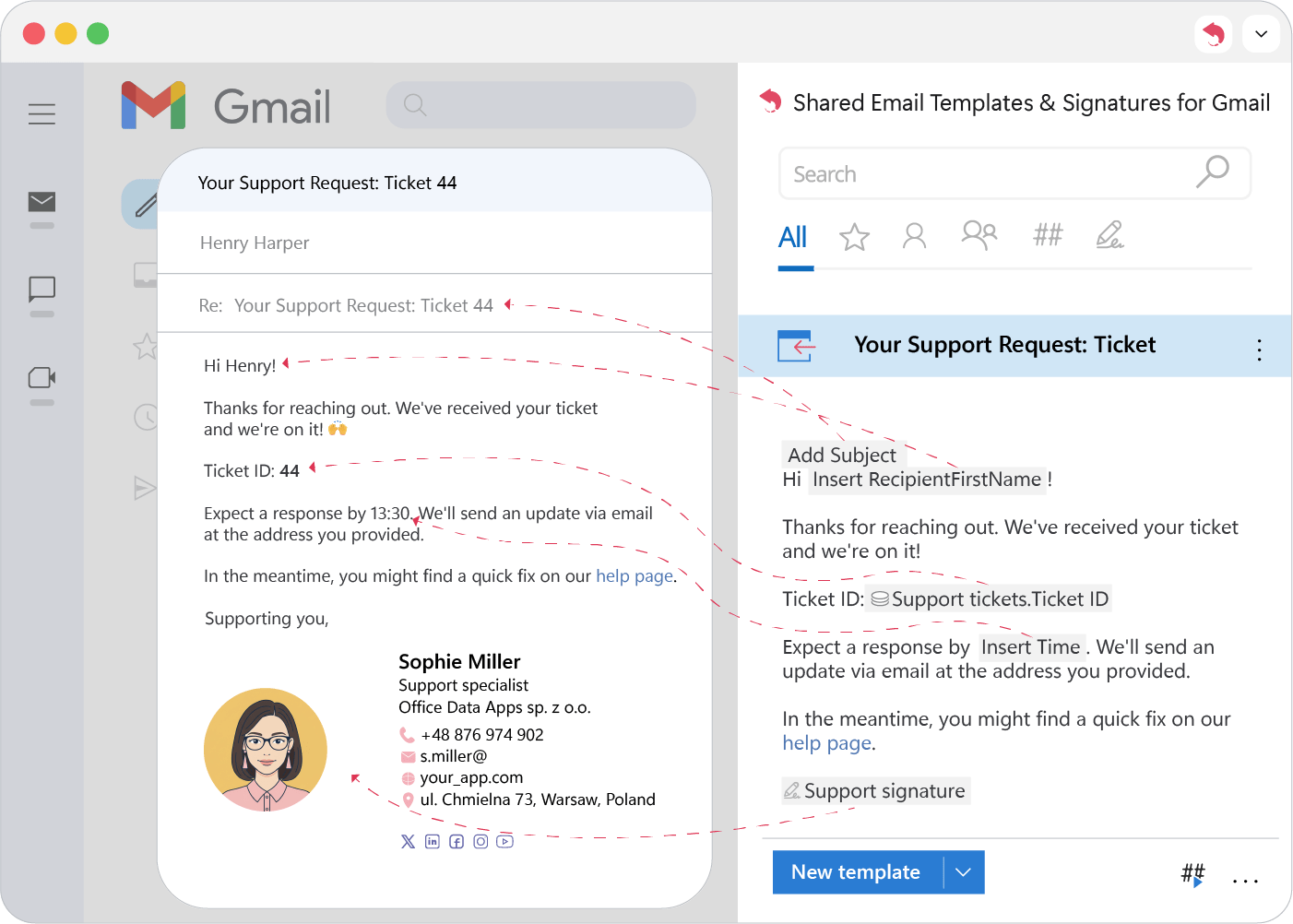
Shared Email Templates & Signatures adds a template library to the Gmail sidebar. Templates are stored in the cloud and can fill in data, attach files and add signatures on their own, so the whole team works from one set of replies.
Designed for everyone: individuals, teams, and enterprises
It suits anyone who writes many similar emails, especially as part of a team:
- Sales: cold outreach, answers to common inquiries, quotes.
- Customer support: fast answers to frequent questions.
- HR and recruiting: interview invitations, offers and rejections.
- Account managers: regular reports and client updates.
- Office administrators: appointments and booking confirmations.
Everything required to send professional emails in seconds
Templates and approved signatures live in one synced library, sorted into folders and searchable.
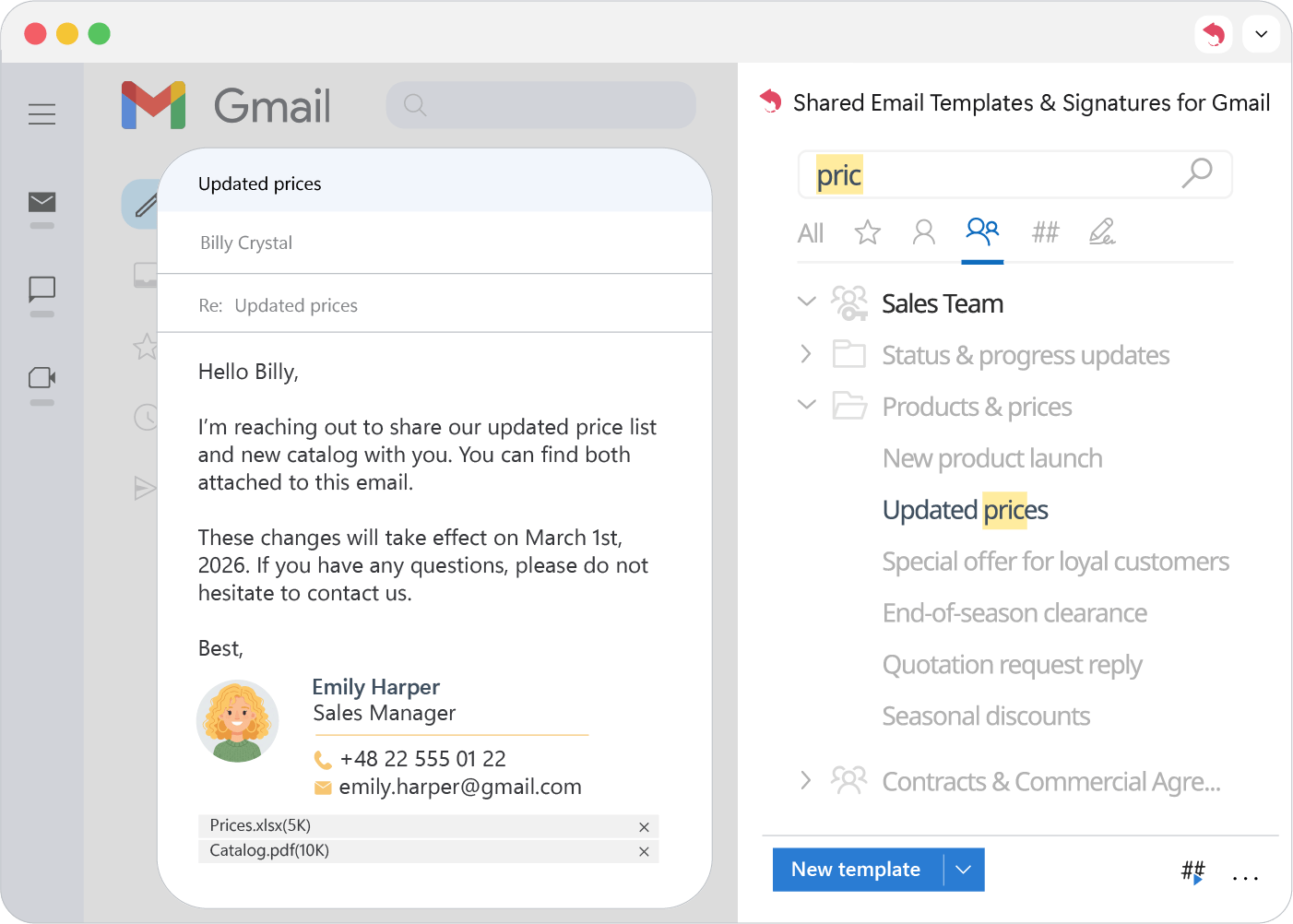
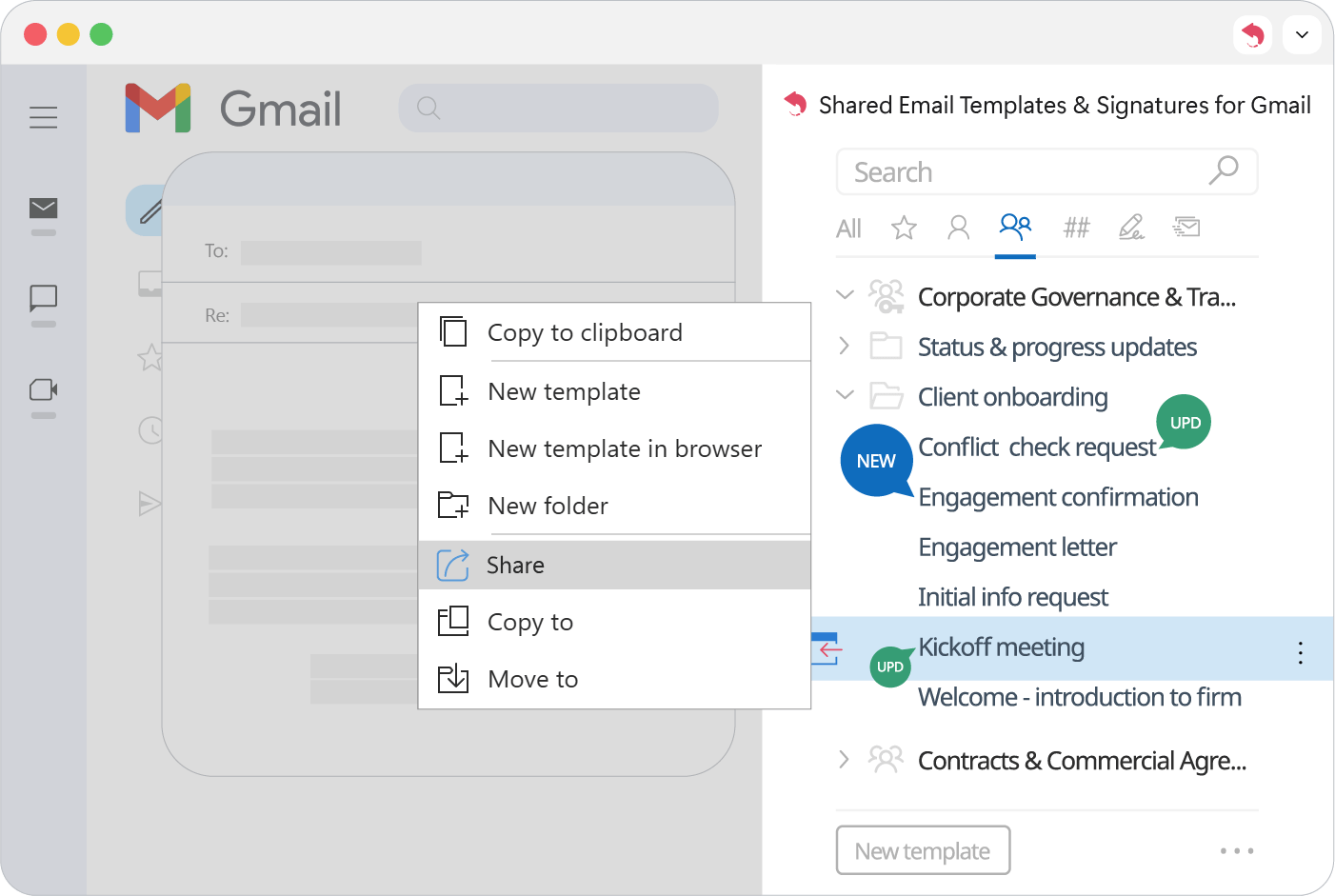
Update a shared template once and everyone gets the new version. To share a template with another team, right-click it and choose Share.
Note
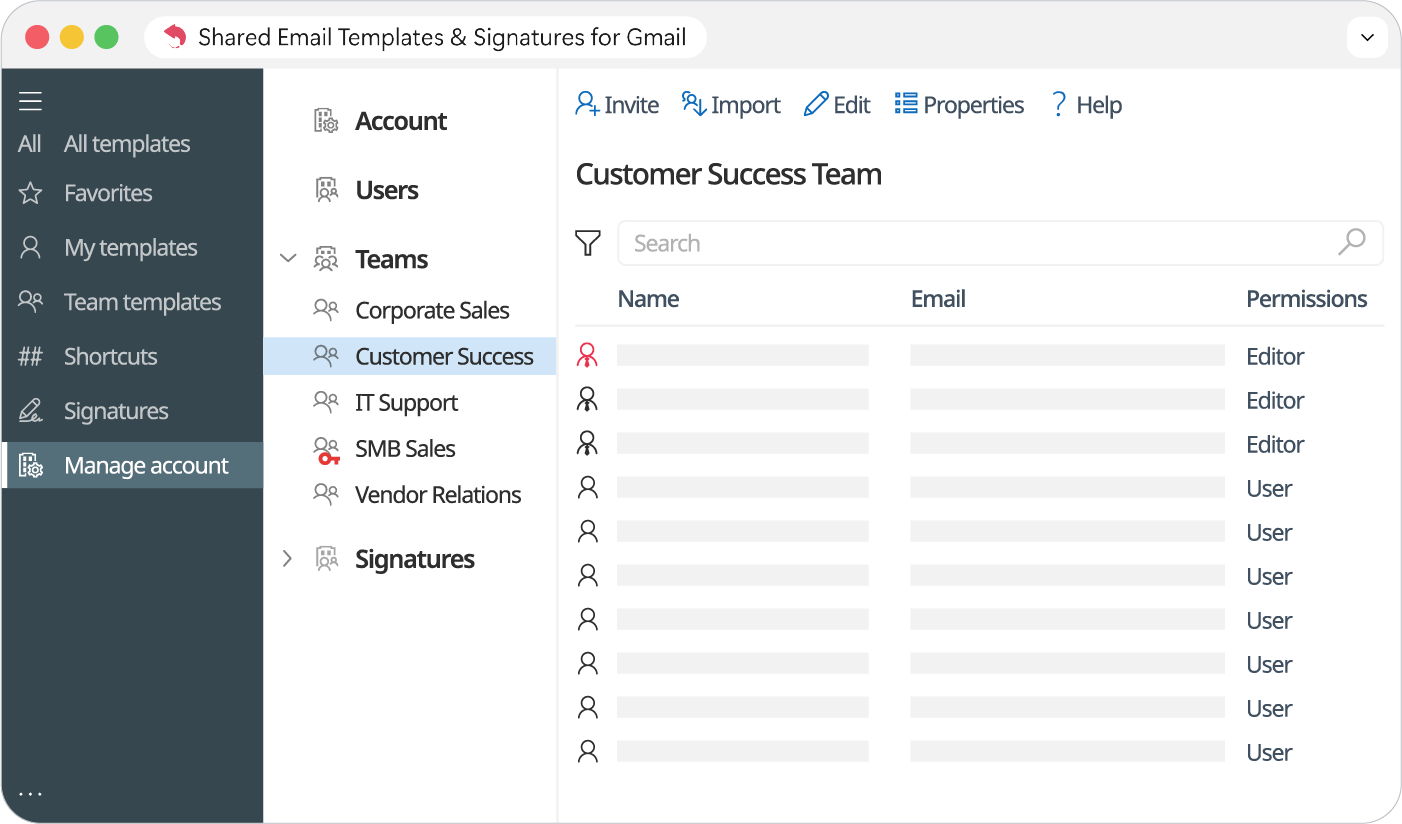
You can lock folders and choose who may use or edit each set of templates.
Templates can fill in To, Cc and Bcc, set the subject, greet the recipient by name, fill placeholders and add a signature, all through macros.