Google Sheets dataset
Connect a Google Sheets table to Shared Email Templates for Gmail as a dataset: make it a named range, share it with your team, pick it in the web app.
Before you start
- Turn the table into a named range: select it in Google Sheets and go to Data › Named ranges.
- If a team template uses the dataset, share the spreadsheet with your teammates.
Connect a Google Sheets table
- 1.
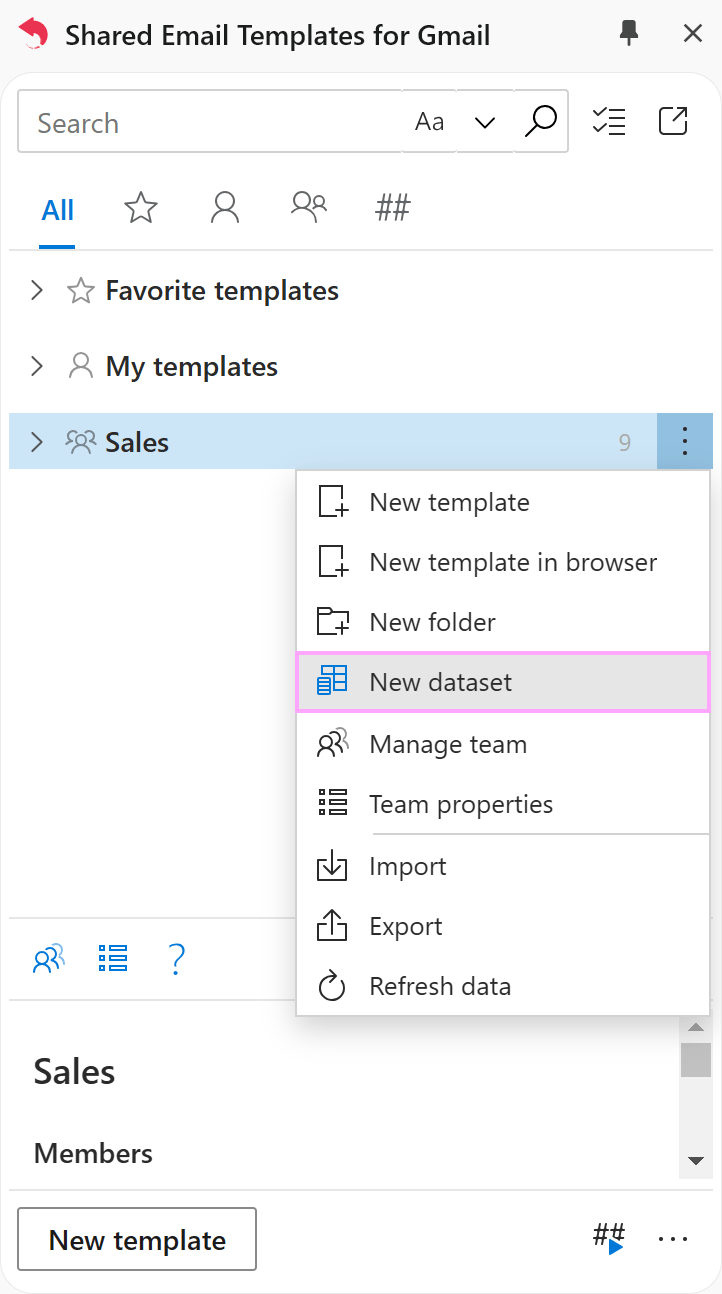
Right-click any folder in the pane and choose New Dataset.
- 2.
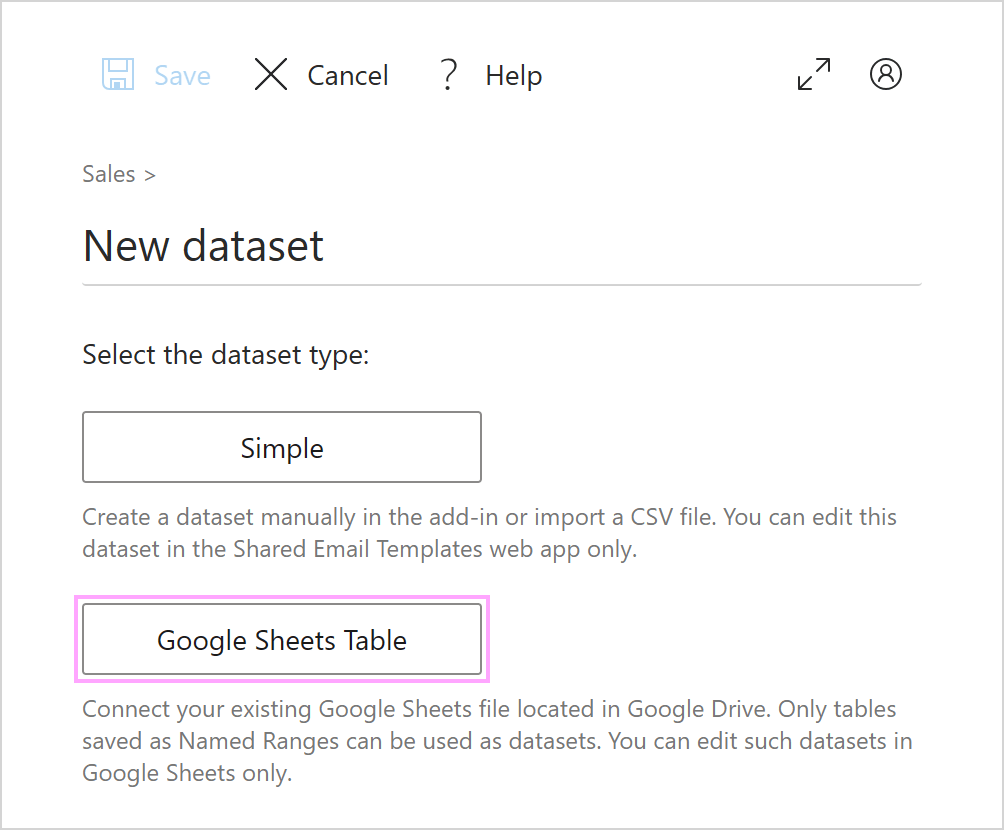
In the web app, name the dataset and select Google Sheets Table.
- 3.
Confirm your Google account and grant access.
- 4.
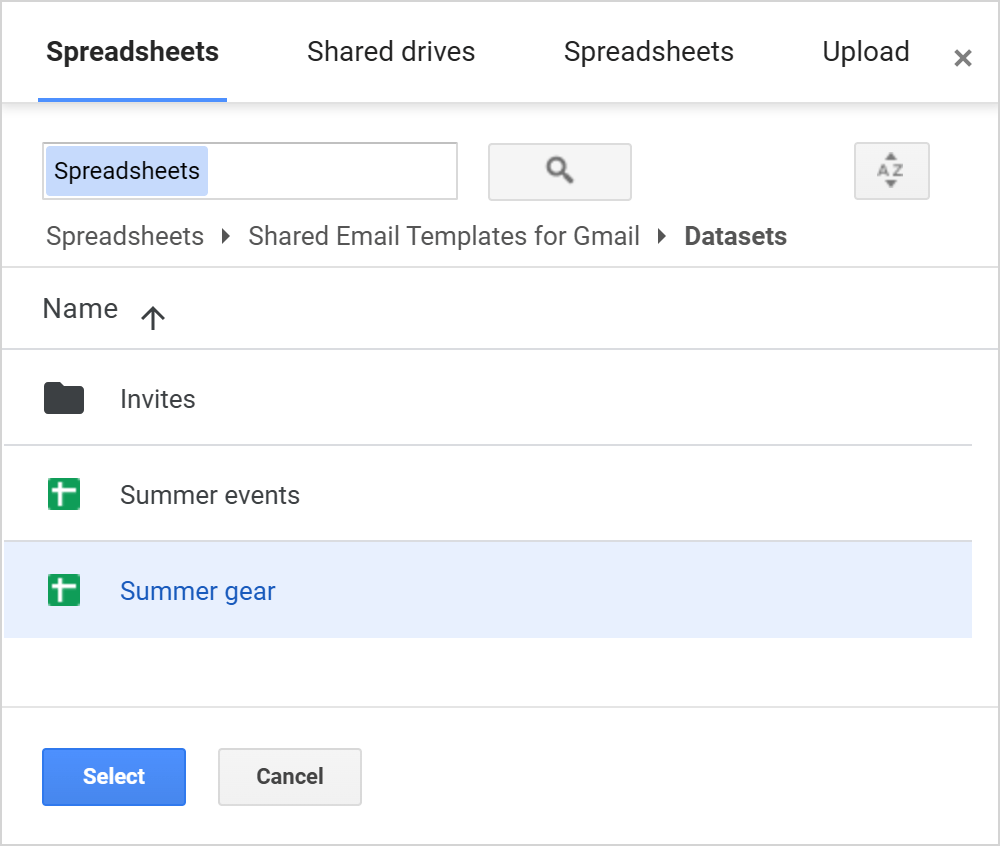
Pick the spreadsheet in Google Drive and click Select.
- 5.
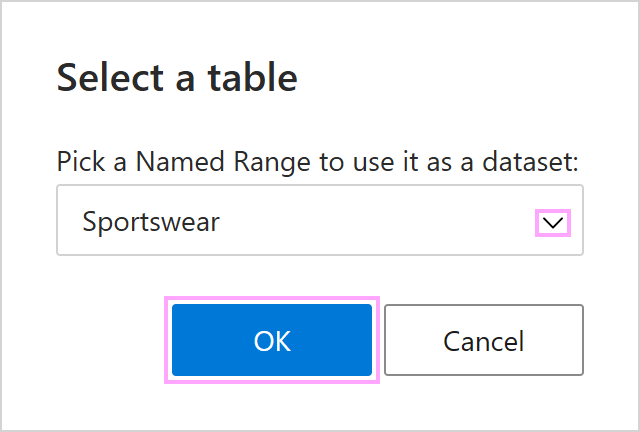
Choose the named range, click OK, then save the dataset.