
Insert a macro
Macros turn static text into content that fills itself in: recipients, names, dates or data from Google Sheets.
- 1.
Create a new template, or select one and click Edit.
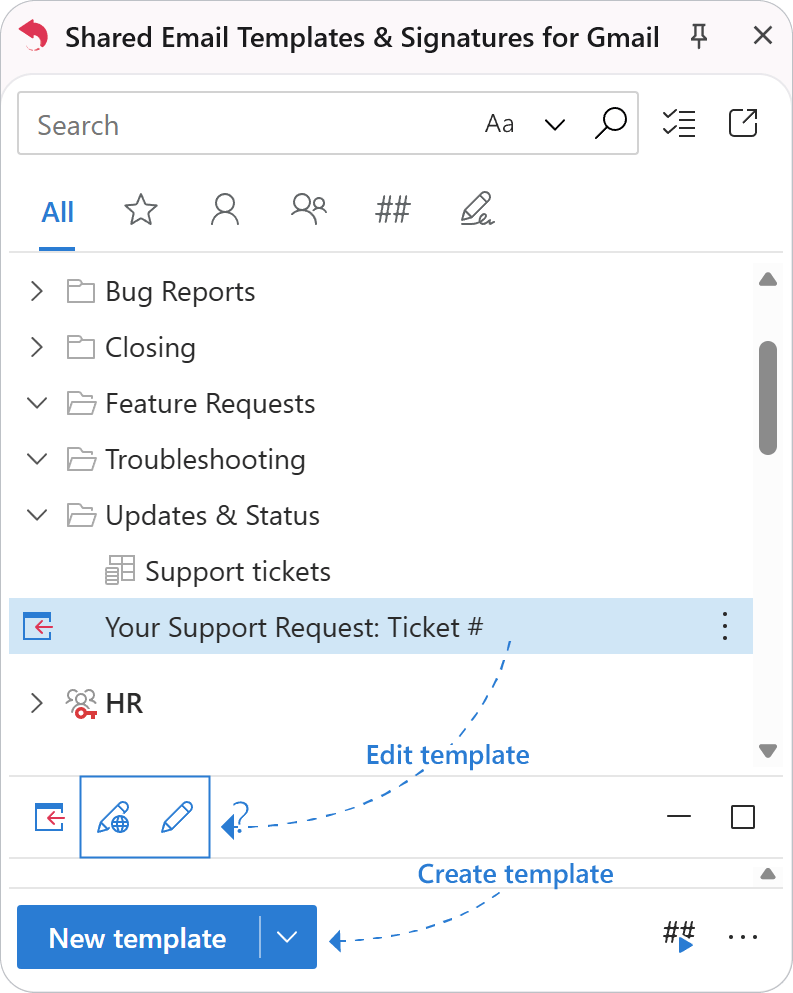
- 2.
Place the cursor where the macro should go and click Insert macro (the blue lightning bolt) on the toolbar.
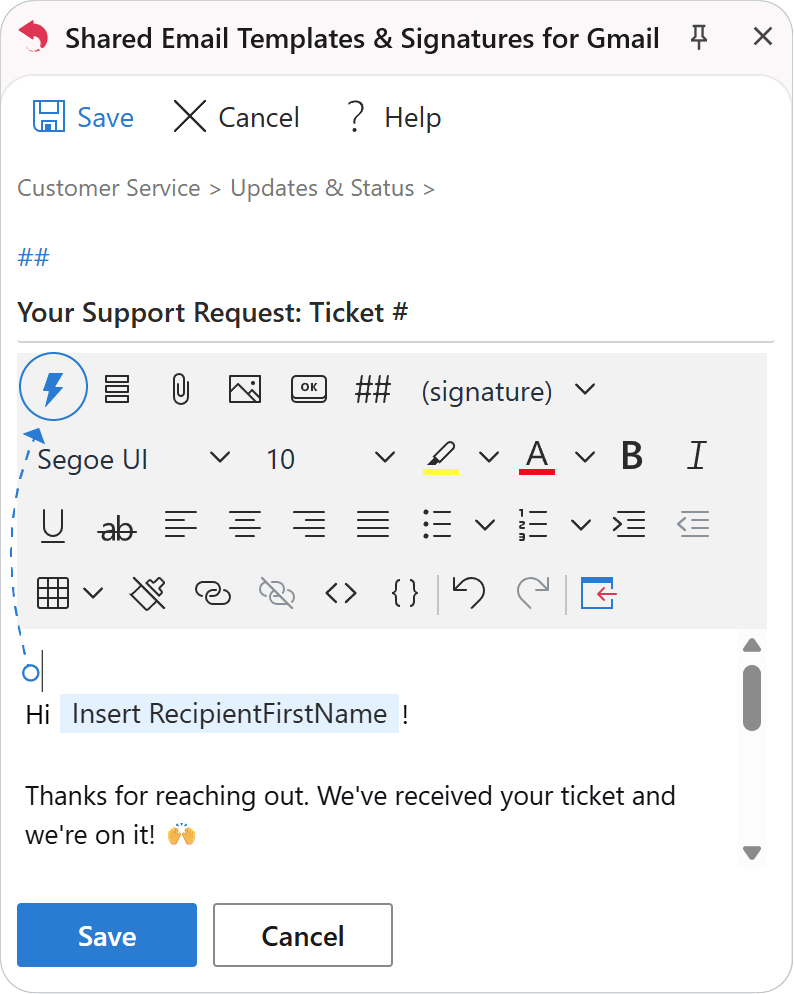
- 3.
The macro list opens, grouped by category.
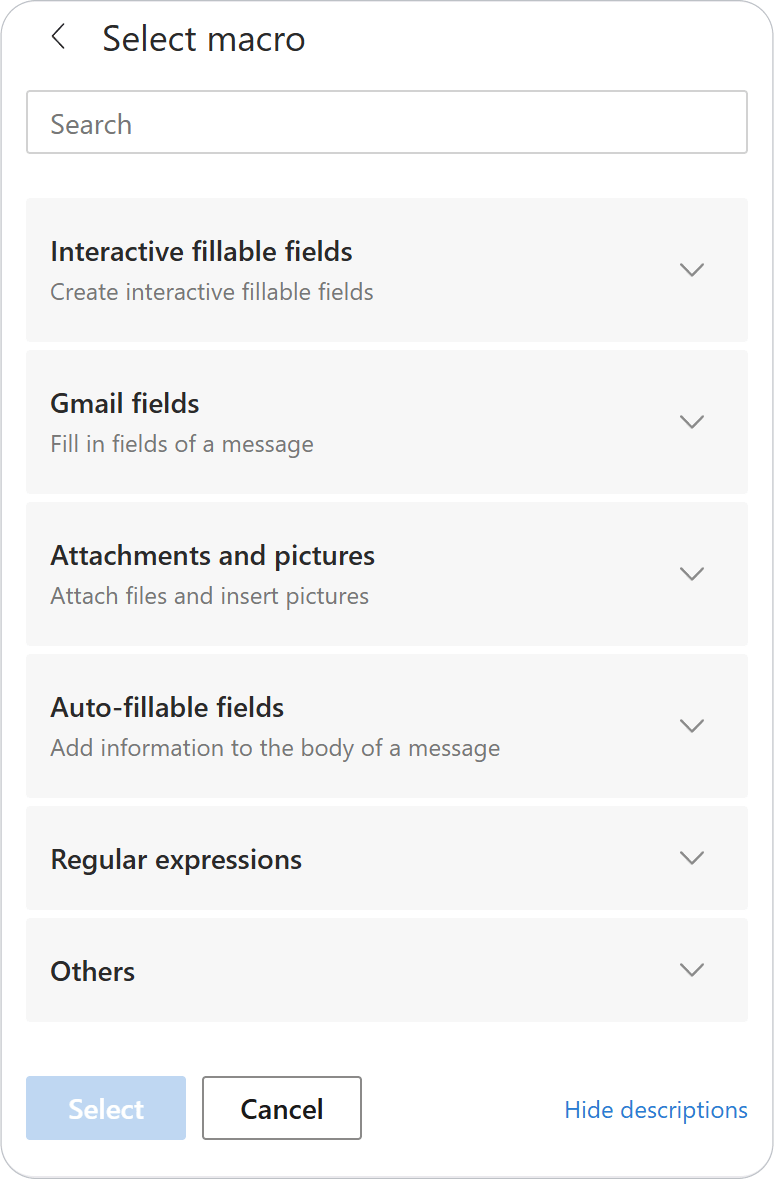
- 4.
Pick a macro, or find it with the search box, and click Select.
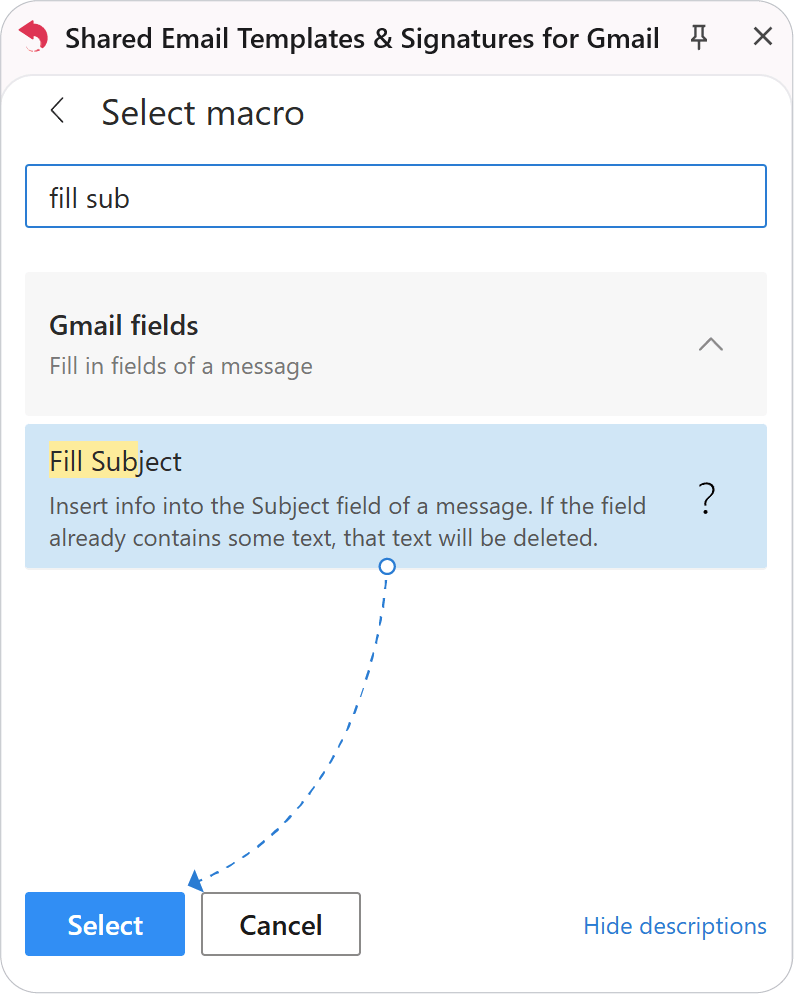
Tip
Macros can work together: you can nest one macro inside another.
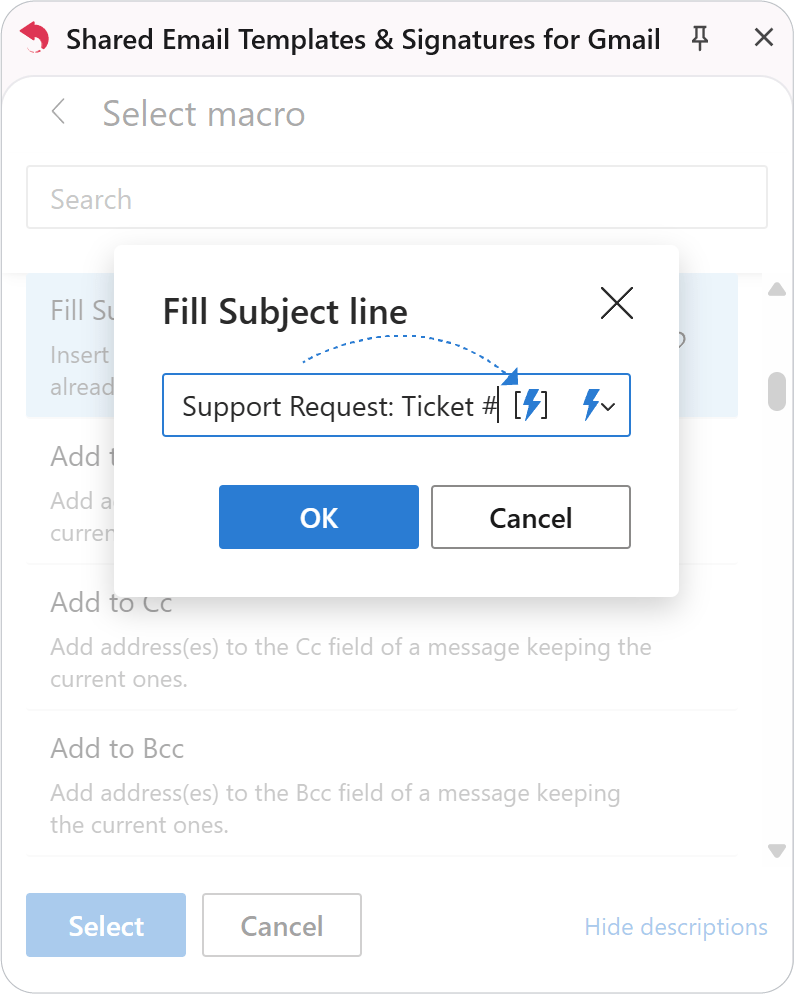
The macro shows up in the template as a placeholder.