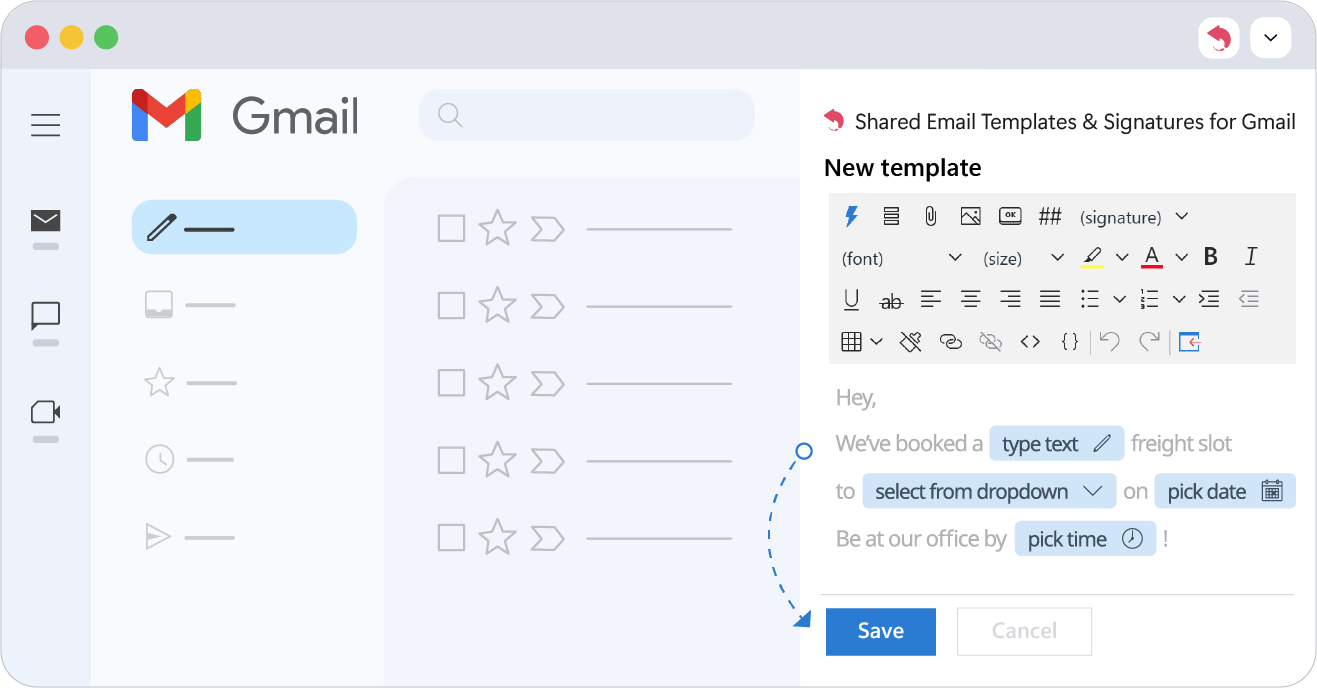
Create and edit a template
Create a template in the Shared Email Templates pane in Gmail, edit it there or in a browser tab, and make it smart with macros and fillable fields.
Write a template once in the Gmail pane, then change it whenever you need to.
Create a template
- 1.
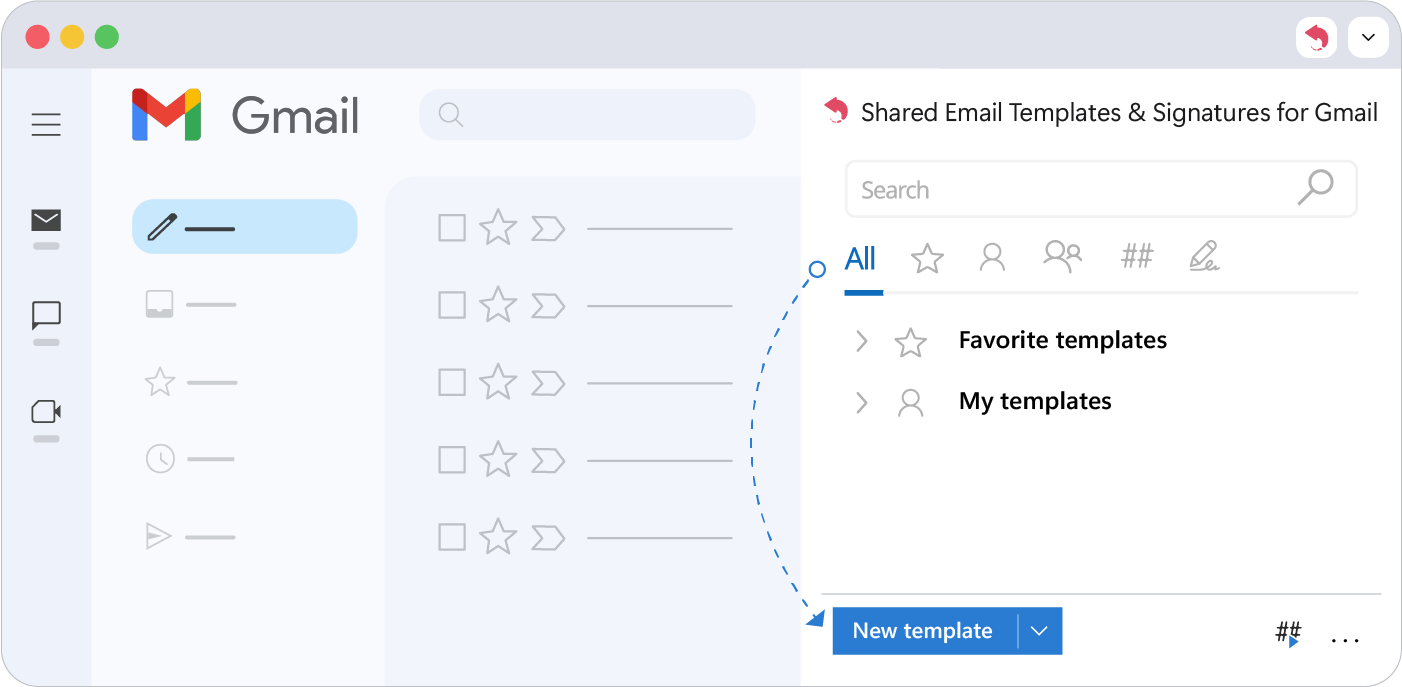
Open the Shared Email Templates pane in Gmail and click New Template.
- 2.
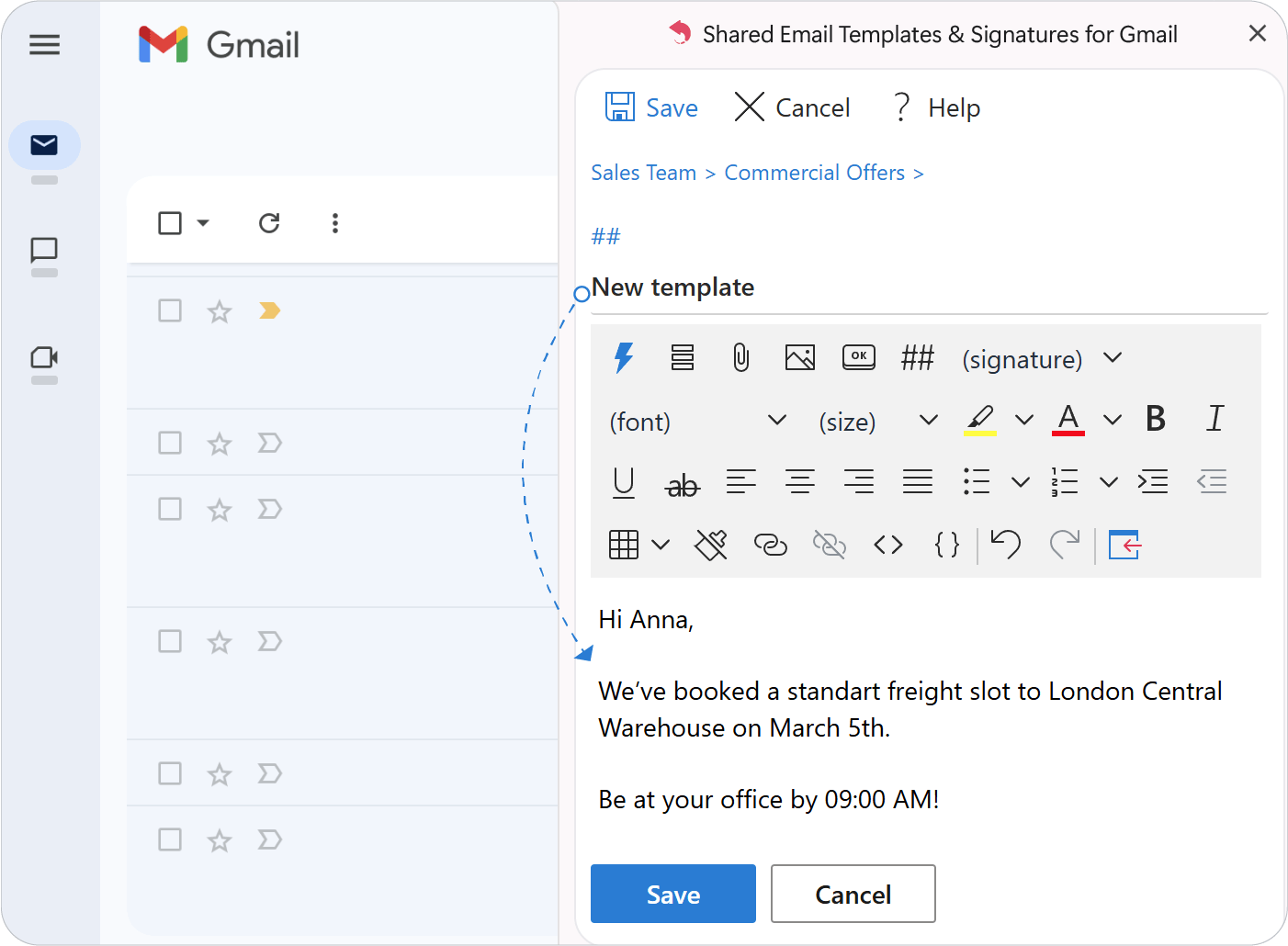
Type or paste your text into the editor.
Note
Creating templates from drafts is available only in Outlook for now.
Edit a template
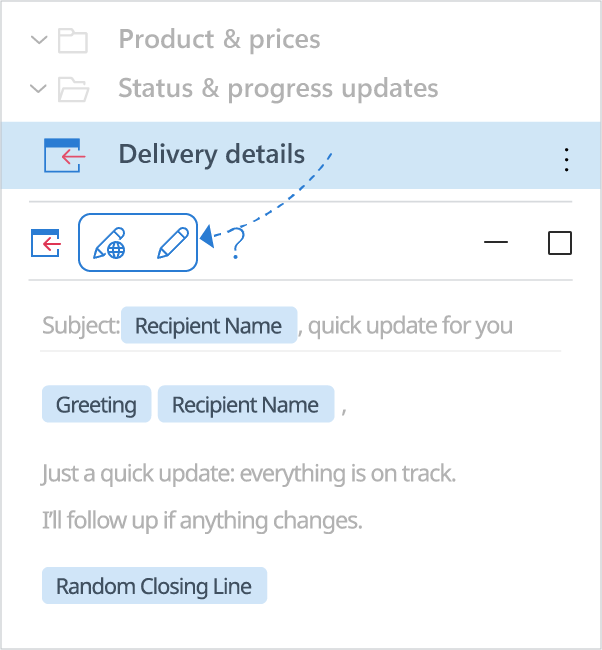
To change a saved template later, select it and click Edit.
The editor lets you:
- Insert macros and fill in message fields
- Attach files and add pictures
- Add buttons, tables and shortcuts
- Pick a signature or clear formatting
- Add and remove links
- View the HTML source
Edit in the browser
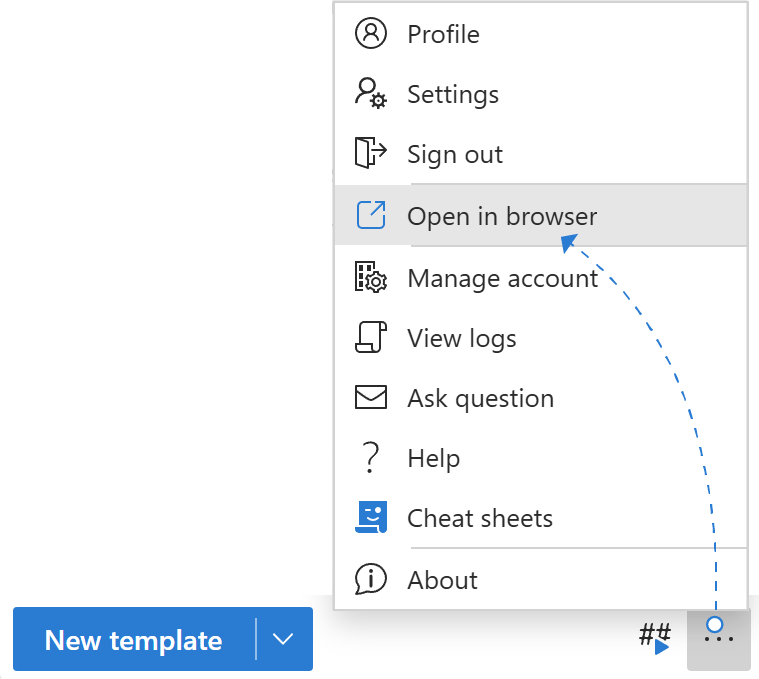
Need more room? Click the three dots at the bottom of the pane and choose Open in the browser.
Make it smart
Click Insert macro to add placeholders and custom fields.
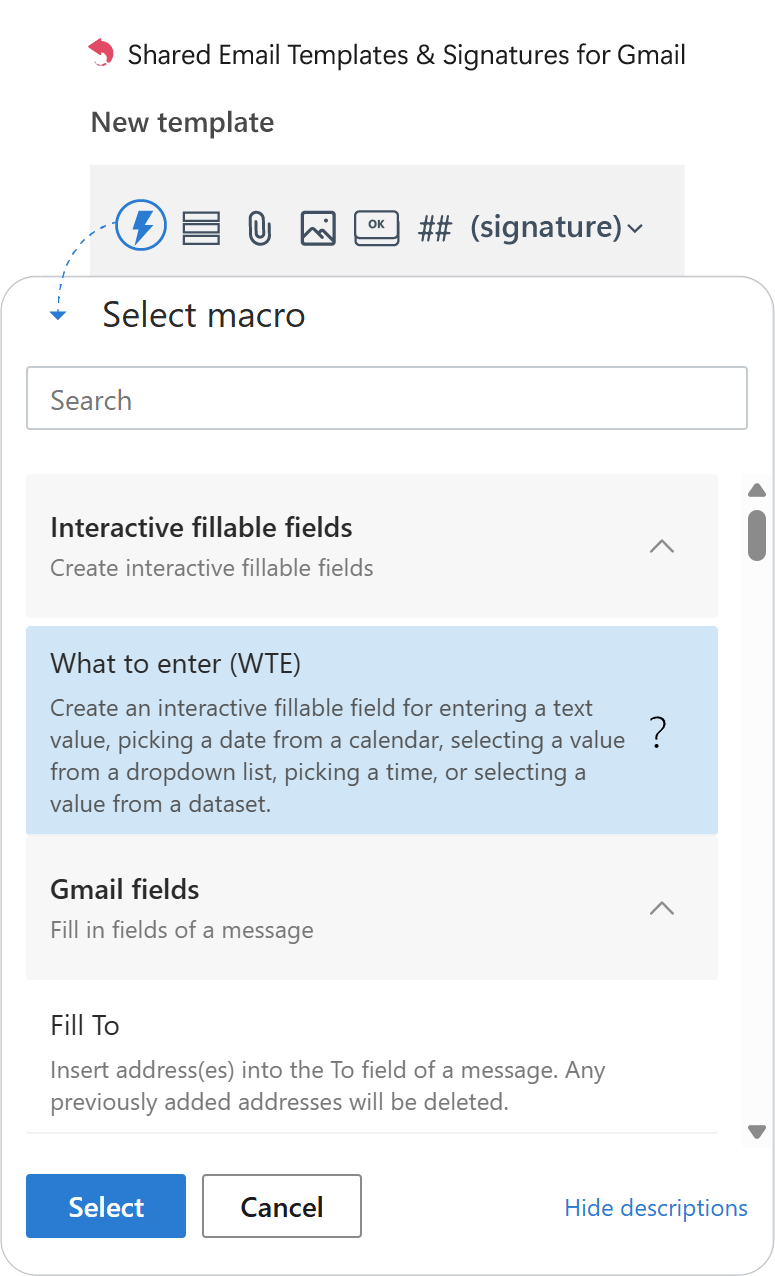
Dropdowns, date pickers and data from Google Sheets tailor each message, and greetings are personalized automatically. Save the template when you’re done.